


Stop Sending Blurry Logos: The Best File Formats for Apparel Design (Wichita Guide)
Wondering which file types give the cleanest prints and stitches? This Wichita guide from U.S. Logo explains the best formats for screen printing, embroidery, sublimation, and heat press, so your art looks sharp at any size.
Need help prepping files? Call (316) 264-1321 or contact U.S. Logo.
Visit us at 520 N West St, Wichita, KS 67203.
Short Answer
Send vector files for logos and line art: AI, EPS, PDF, or SVG.
Use high-resolution PNG/JPG only for photos or complex textures.
If you’re unsure, send what you have, and we’ll prep production-ready art for
Screen Printing, embroidery, sublimation, or heat press.
Vector vs. Raster (And Why It Matters)
- Vector (AI/EPS/PDF/SVG) – Infinitely scalable, razor-sharp edges, easy spot-color control. Best for logos, text, icons.
- Raster (PNG/JPG/TIFF) – Pixel-based; quality depends on resolution at final print size. Best for photos, textures, gradients.
Rule of thumb: If it’s a logo, we want vector. If it’s a photo, send a high-res raster.
Best Formats by Decoration Method
Screen Printing
- Preferred: AI/EPS/PDF with spot colors named (Pantone if needed).
- Okay: High-res PNG (300 ppi at print size) for photo/halftone designs.
- Notes: Keep strokes > 0.35–0.5 mm; avoid hairline text below ~2.5–3 mm tall.
Embroidery
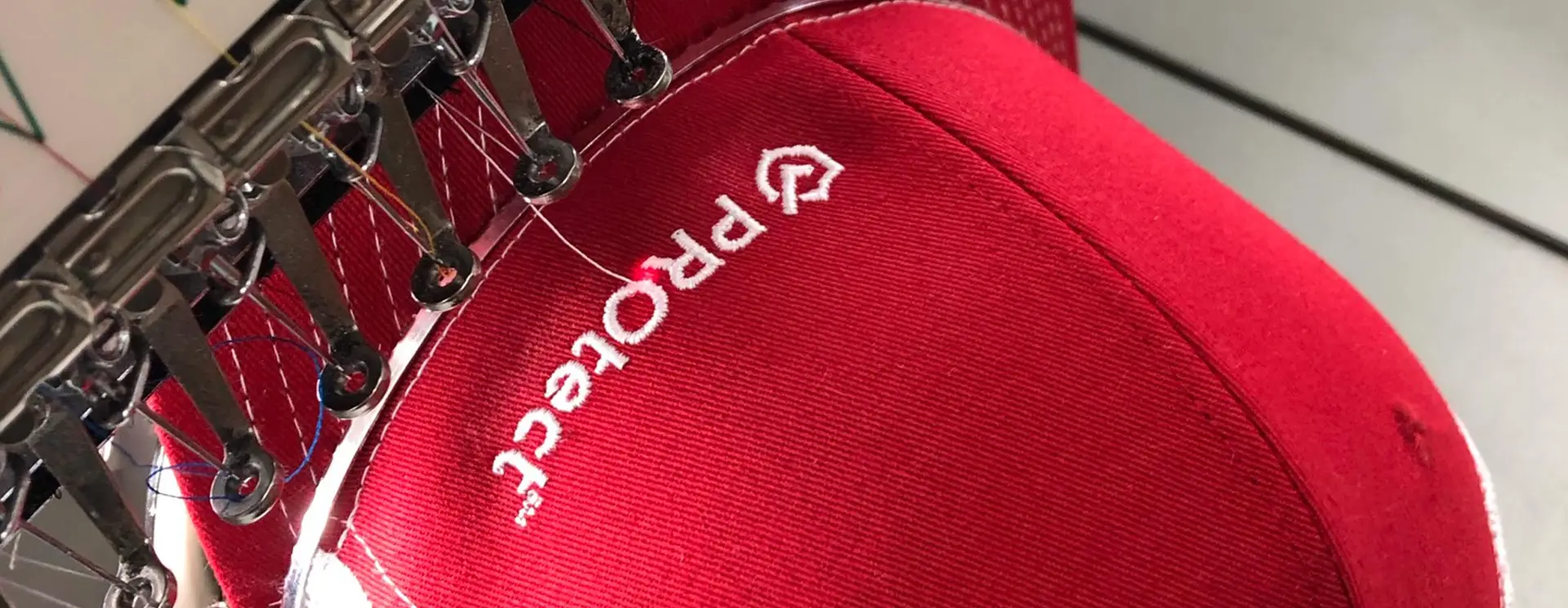
- Preferred – Vector AI/EPS/PDF/SVG for clean digitizing.
- Deliverable – We create the stitch file (DST/EXP/PXF) after proof approval.
- Notes: Minimum column width ≈ 1 mm; simplify tiny gradients and outlines.
Sublimation
- Preferred – Vector for logos; high-res PNG/JPG (300 ppi) for photos.
- Notes – Arrange to final size; mind seam/press areas on all-over layouts.
Heat Press (HTV / DTF / Transfers)
- Preferred – Vector for HTV; high-res PNG (transparent) for DTF/printed transfers.
- Notes – Avoid ultra-thin edges; add negative space on substantial solids for comfort.
Explore methods in our Apparel Decoration overview.
Resolution, Size & Minimums
- Raster at size – 300 ppi at final print dimensions (e.g., 10″ wide front graphic = 3000 px wide).
- Small text – Screen print min height ~2.5–3 mm; cap embroidery letters ~5–6 mm tall.
- Line weight – Screen print ≥ 0.35–0.5 mm; embroidery columns ≥ 1 mm.
- Bleed/margins – Keep critical detail 3–5 mm from edges and seams.
Color, Fonts & Naming
- Color – Provide brand specs. We can match Pantone for screen inks, thread charts for embroidery, and color-managed workflows for digital methods.
- Fonts – Include font files or convert text to outlines/curves.
- Layers – Name layers by color/element; remove hidden junk layers.
- File names – Use versioning (BrandLogo_v3_leftchest.ai) to avoid confusion.
Export Checklist (Copy/Paste)
- Vector logos in AI/EPS/PDF/SVG; raster photos in PNG/JPG at 300 ppi at size.
- Outline fonts or include font files.
- Name spot colors (Pantone if required).
- Keep line weights and text above minimums.
- Provide mockups with requested placements and dimensions.
Not sure if your file is ready? Contact U.S. Logo, we’ll review and prep for production.
FAQ
Is a PDF really “vector”?
Often, yes, but only if it was exported from vector art. A PDF of a raster image is still raster. We’ll check and advise.
Do you accept Canva exports?
Yes. Export SVG/PDF for logos when possible; for photos, use PNG at 300 ppi at final size. We’ll tidy layers and colors if needed.
What background should I use for DTF?
Transparent PNG is ideal. Avoid white boxes around the art; include a subtle keyline if the design needs separation on dark fabric.
Can you fix a low-res logo?
Usually, we can vectorize and clean shapes/kerning, then supply a proper master file.
Will you provide the embroidery stitch file?
Yes, upon request after approval. We digitize your garment and placement, then send the machine format you need.
External Resource
Design software overview and resources: Adobe.